Think it. Kode it.
Describe what you want. Kode builds it — and it looks good. Like, genuinely good.
No coding experience needed. No credit card required.
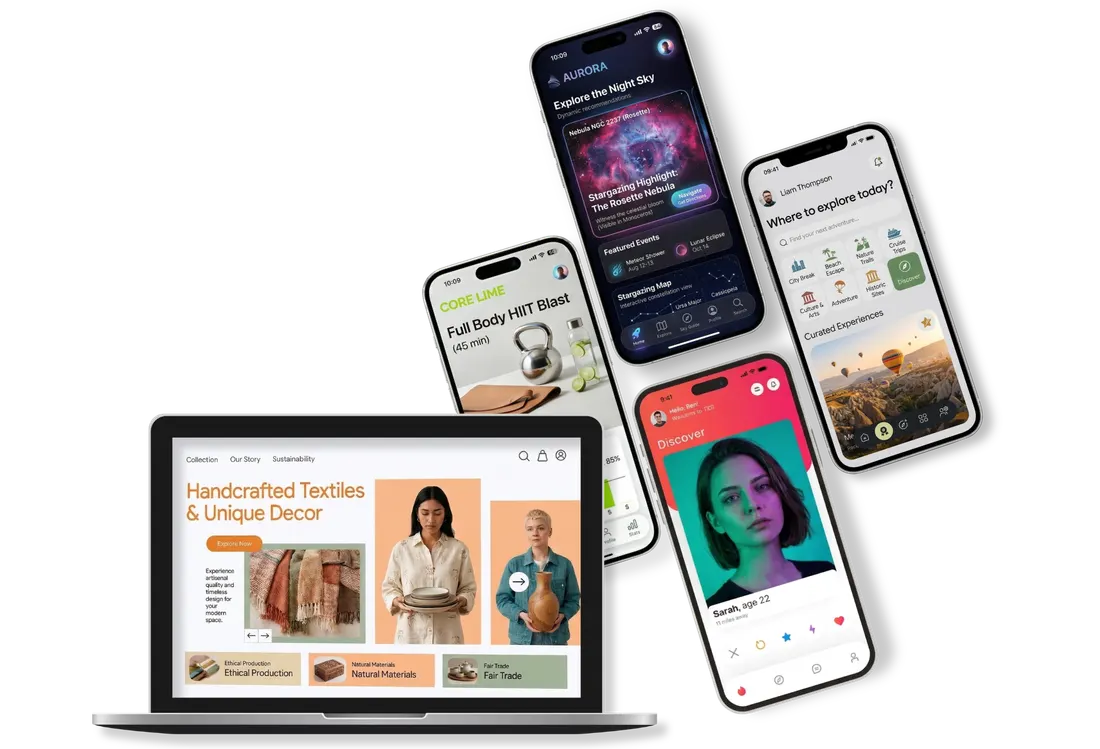
Real things. Built by real people.
Who had zero idea how to code.
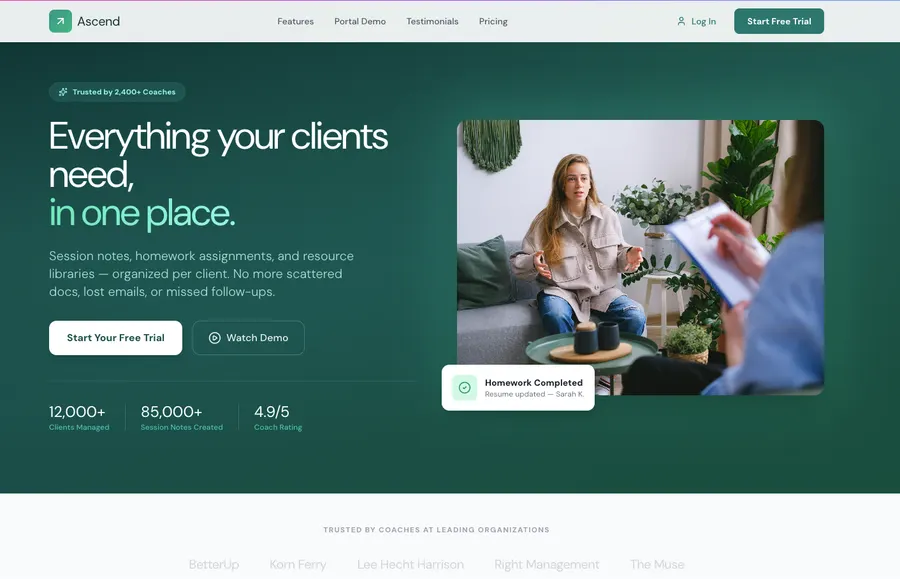
“Session notes, homework assignments, resource libraries — all in one place for each client. I’ve been meaning to do this for three years.”
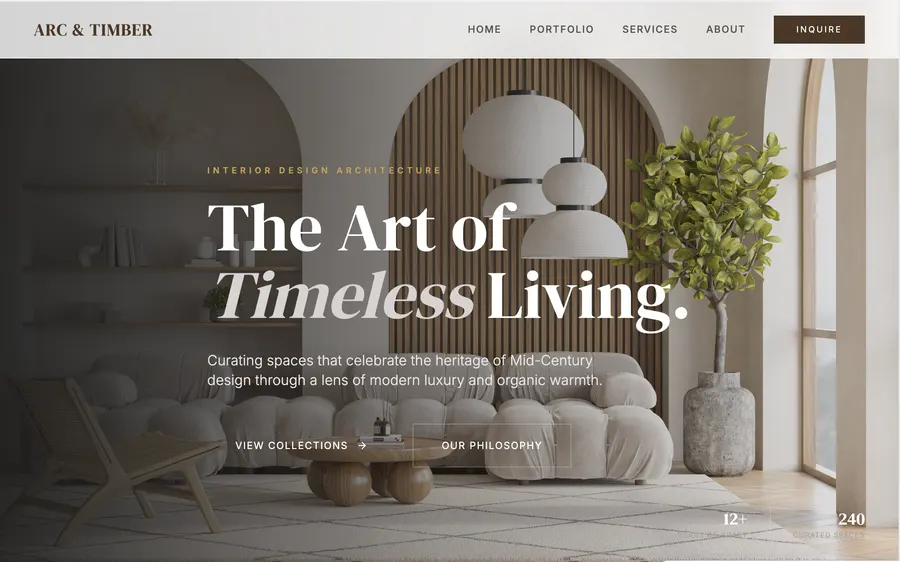
“I had a site that embarrassed me. This one actually looks like my work. I get compliments on it before clients have even seen my projects.”
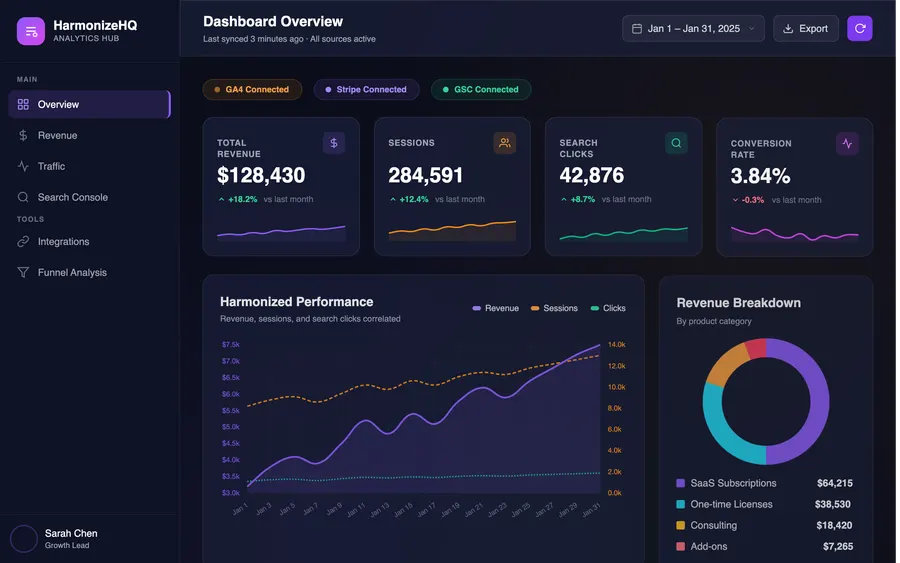
“I was drowning in tabs — GA4, Stripe, Search Console. Now everything’s in one dashboard that my whole team actually checks every morning.”
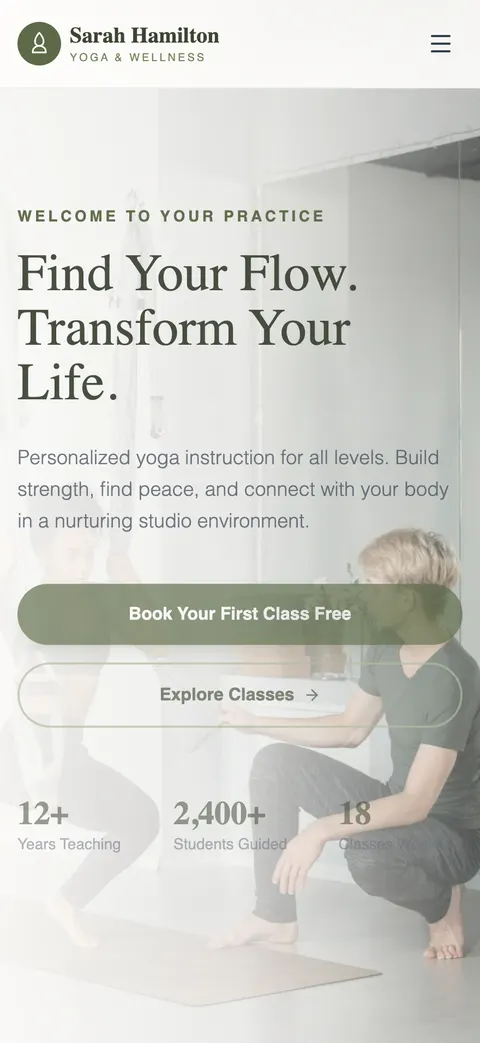
“I used to manage everything through DMs. Now clients book, pay, and get reminders automatically. I built it in one afternoon.”
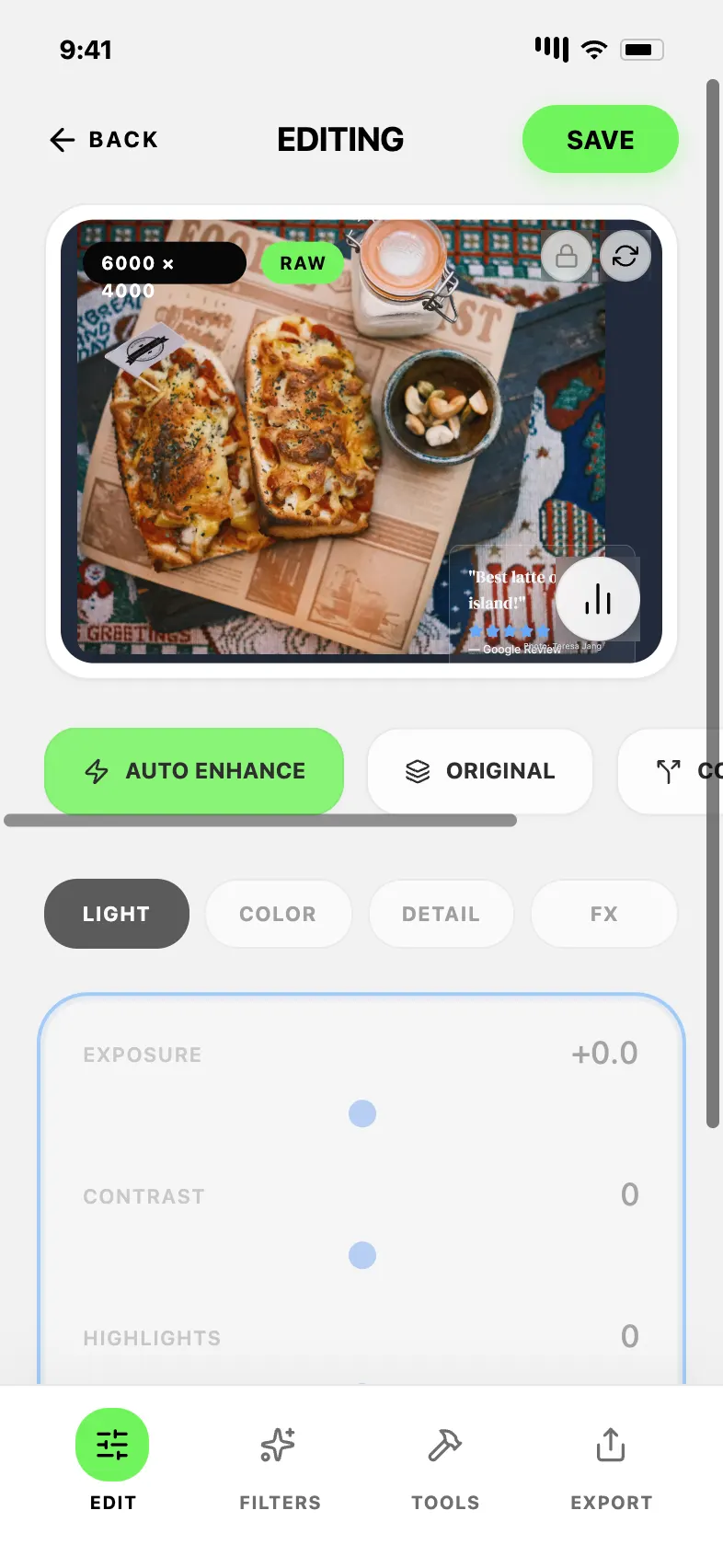
“I needed something lightweight for quick edits on the go. Built a full RAW editor with exposure, color, and detail controls. My photographer friends can’t believe it runs in the browser.”
Coding tools were built by developers. For developers.
You were not invited.
Command lines. Terminal windows. Walls of text that mean absolutely nothing to you. Then AI came along and everyone said “now anyone can build!” — except it was still just a chat box handing you more walls of text.
That's not building. That's homework.
Kode is different. It's a visual experience. You point, click, drag, and long-press your way to a real working product. No fluency required.
$ npm install --save-dev @types/react
$ npm create vite@latest my-website
ERROR: ERESOLVE unable to resolve
dependency tree...
$ ???
From idea to live in an afternoon.
Here's how it goes.
Tell Kode what you want to build.
Describe your website. Got inspiration images, rough notes, or URLs you love? Drop them on your Dream Board and Kode uses them as a guide.
Watch something real appear.
Kode builds your first version — and it looks good. Like, genuinely good. Not a placeholder. Not a wireframe. Something you’d actually want to show people.
(While it’s building, there’s an arcade to keep you company. You’re welcome.)
Portfolio
Make it yours.
Click anything to select it, double-click text to edit in place, and fine-tune fonts, colors, and spacing. You’re in control — Kode just makes it easy.
Go live on Kode Cloud.
One click and your website is live. Kode Cloud handles every technical detail — hosting, databases, user accounts, security, scaling — so you never have to think about any of it. Connect your own domain and it’s completely yours.
Not a chatbot. Not a template builder.
Something actually new.
Every tool in Kode was built around one idea: you should be able to build whatever's in your head without learning a single technical thing.
Three Ways to Edit
Unified Cursor, AI Mode, Fine Tune Mode. Click to edit directly, hold Space to interact, or ask AI for bigger changes. One website builder. No coding.
Magical Themes
One click and your entire website gets restyled. Not just a color swap. The whole personality changes. Dark and moody. Clean and minimal. Bold and loud.
Debug Mode
Watch an AI use your website like a real person — clicking around, filling in forms, navigating pages. It catches bugs, UI problems, and marketing issues. Then fixes everything in one click.
Kode Cloud
User accounts. Database. Authentication. Hosting. Usually these take days. With Kode, it’s one click. Servers, scaling, security — handled. Connect your own domain and you’re live.
Long-Press Anything
See something you want to change? Long-press it and tell Kode what you want. "Make this button bigger." "Change the vibe to something warmer." Kode listens. Kode fixes it.
Components
Pre-built UI blocks — buttons, forms, nav bars, cards, image grids — ready to drag into your build. Everything looks like it belongs together because it was designed to.
Style Shuffle
Not sure what you want it to look like? Style Shuffle rotates through fonts, color palettes, and layouts until something clicks. Like having a designer spin the wheel for you.
Connectors
Stripe for payments. Mailchimp for email. Calendly for bookings. Kode plugs into the tools you already use — without any technical setup.
Dream Board
Upload screenshots, images, rough notes, URLs. Kode treats your Dream Board as a creative brief and uses it to shape your build from the start.
AI Chat
Chat with Kode any time. Ask for a new feature. Change a color. Brainstorm ideas. Get unstuck. Like having a developer on call who responds instantly.
Proactive Suggestions
Kode watches your build and flags things that could be better — a button that’s easy to miss, a page that loads slow, a feature your users would love.
Responsive Websites
Desktop, tablet, and mobile web. Build once, Kode keeps your site responsive without forcing you into a mobile workflow.
Live Preview
Share a live link with friends, clients, or early users in minutes. Real feedback on something real — not a Figma file. An actual working thing people can click around in.
Visual Properties
Fine-tune colors, fonts, spacing, and layout with direct visual controls. No code. No guessing.
While your website builds,
you play.
Building something real takes a moment. So we built a pixel arcade right inside Kode — because waiting shouldn't be boring.
Watch your idea become a real, live product while you chase a high score.
Not a mockup.
A real, live, working product.
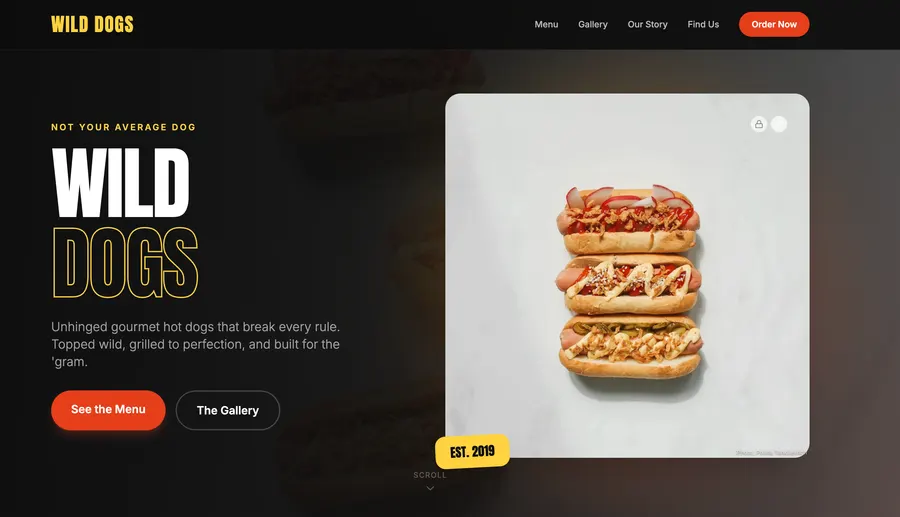
Your Website Comes With:
- A live URL you can share today
- User logins and accounts, built in
- A database — already set up, already working
- Cloud hosting on your own domain via Kode Cloud
- Connectors for payments, email, bookings, and more
Your Website Comes With:
- A working live URL to test and share immediately
- Full functionality — no placeholders, no lorem ipsum
- A unified cursor for editing and testing the site
- Your website. Your code. Your product.
How does Kode stack up?
Glad you asked.
| Feature | Kode | WordPress | Webflow | Hiring a Developer |
|---|---|---|---|---|
| Visual building experience | Yes — drag, click, long-press, done | Sort of — but plugins, themes, and settings menus everywhere | Yes — but steep learning curve, built for designers not beginners | They build it, not you |
| AI that edits visually | Yes — long-press anything, describe the change, watch it happen | No | No | Only if you pay them to |
| One-click cloud setup | Yes — Kode Cloud handles everything in one click | Hosting is separate, databases need setup, auth needs plugins | Hosting yes, but database and auth are complex add-ons | Yes, bundled into their hourly rate |
| AI debug mode | Yes — AI tests your product, finds issues, fixes them in one click | No | No | Only if you pay for QA separately |
| Built for websites | Yes — iOS, Android, iPad, Apple Watch | No | No | Yes, at a very different price point |
| Requires technical knowledge | No | Honestly, kind of yes | Yes — powerful but not beginner-friendly | You need to know enough to brief them properly |
Questions you're probably already thinking.
Do I need any coding experience?⌄
None. Zero. Nada. If you can describe what you want in plain English, you can build it with Kode.
Are there templates to start from?⌄
Not yet — but they’re coming. Right now Kode builds from your description and your Dream Board, and honestly? The results are better than most templates anyway.
How do I edit things?⌄
Use the unified cursor to click anything on the canvas, double-click text to type in place, hold Space to interact with the site, or ask AI for bigger changes.
What exactly can I build?⌄
Websites for e-commerce, booking systems, client portals, portfolios, communities, launches, and service businesses — if you can imagine the site, Kode can probably build it.
Is it actually live? Like, a real URL?⌄
Yes. A real URL, on the internet, that other people can visit. Not a mockup. A real thing that works.
What is Kode Cloud?⌄
It’s the part where you don’t have to think about servers, databases, authentication, or any of the technical infrastructure that usually makes building on the internet a nightmare. One click and it’s all handled. Connect your own domain and it’s yours.
Can I use my own domain?⌄
Yes. Publish to a real live URL first, then connect your own domain when you’re ready.
Your idea has been waiting long enough.
Seriously. It's been years. Let's go.
No coding experience needed. No credit card. No excuses.
Think it. Kode it.